

Looking for Help?
Find answers to your questions
PVY App Manual
Table of Contents
Before pairing your e-bike display with your smartphone, you'll need to download the PVY app and create an account. The instructions for downloading the PVY app are straightforward. You can download the PVY app from the Apple App Store or Google Play Store.

After successfully downloading and opening the app, you'll see a screen similar to the following:
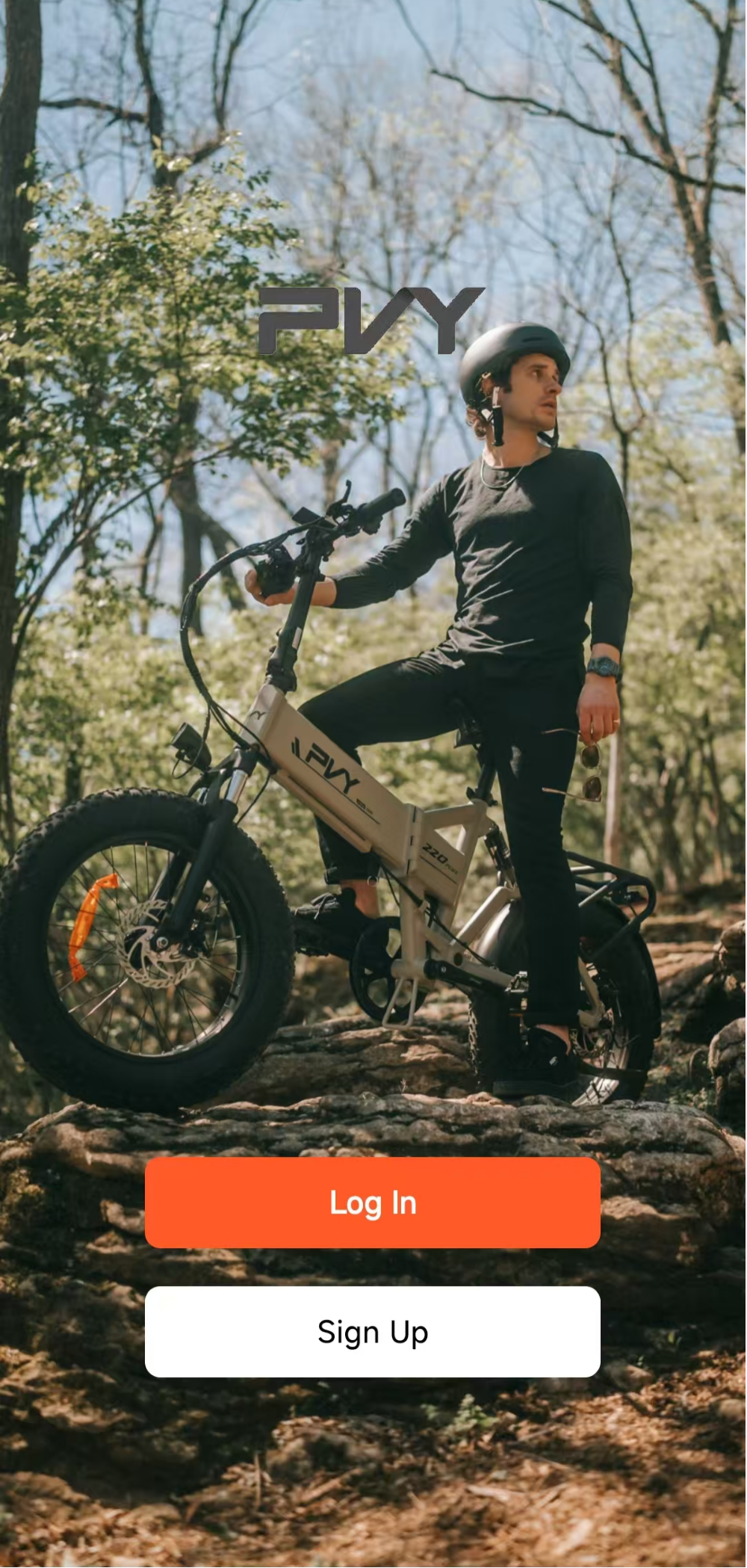
Click "Sign Up" to create an account. After clicking, you will be redirected to the registration page. Once registration is complete, we will send you an activation confirmation email to complete your account setup. Please be sure to check your spam/junk mail folder, as this email may sometimes be mistakenly identified as spam!
Pair your display with the PVY app
You have successfully created an account on the PVY app. Now let's get ready to pair! Turn on your phone's Bluetooth and power on your bike. Return to the app and tap "Add Bike." You should see your bike being found. Tap "Add."
To remove Bluetooth: First, turn off the device, then press and hold the brake and power buttons for 5 seconds to remove Bluetooth.
How can I customize my riding experience?
In the PVY app, you'll see a selection bar at the bottom of your device's screen. After creating an account and successfully pairing your device with the display, your e-bike's menu will look something like this:
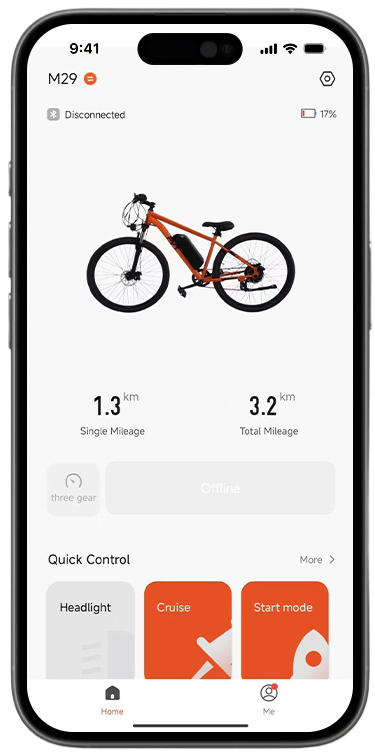
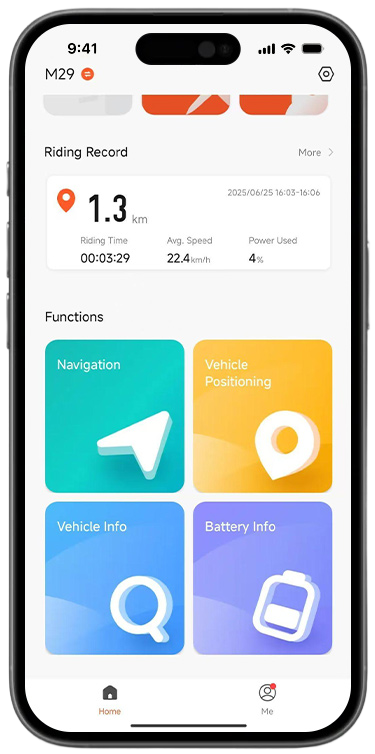
In the function options, you can set "Cruise Control", "Start Mode", "Power Assist Gear", and "Track Recording".
Frequently Asked Questions about PVY App
Want to learn more about the PVY app? Here, we'll share some of the most frequently asked questions we receive.
Does the PVY bike have an app?
Yes, the PVY e-bike has its own app. This smartphone app connects to your PVY e-bike's display, expanding the ways you use and track riding data.
What are the features of the PVY app?
The PVY app allows you to record and track riding data, and set features such as cruise control, start-up mode, and assist levels.
- A kijelölés kiválasztása az oldal teljes frissítését eredményezi.
- Új ablakban nyílik meg.